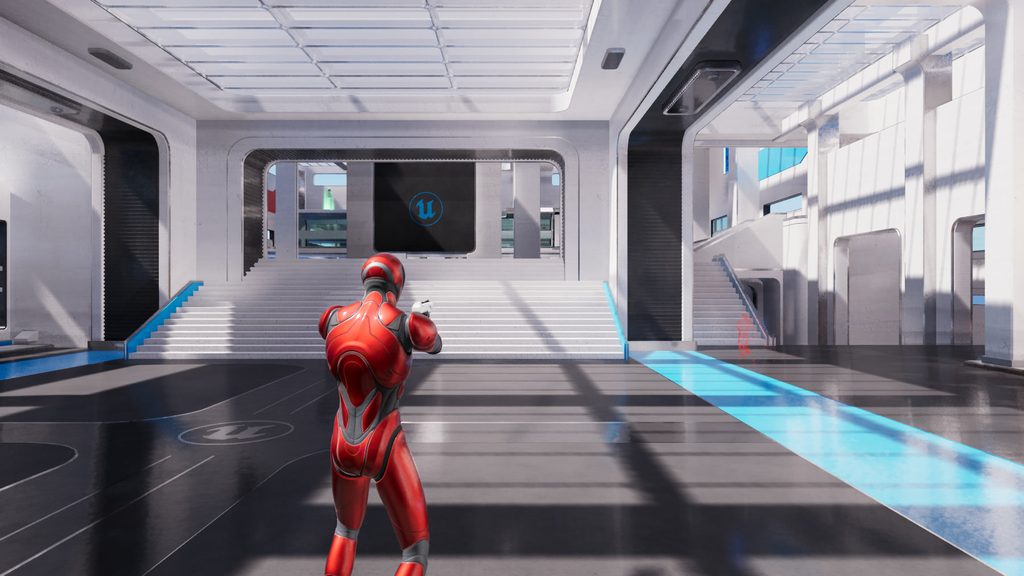
One Engine, Every Browser
A personal R&D project I’ve worked on over the last couple of months, bringing Unreal Engine to the web with desktop-class SM5 rendering. Projects compile to WebAssembly and render through WebGPU, running directly in the browser with no plugins, installs or cloud streaming.
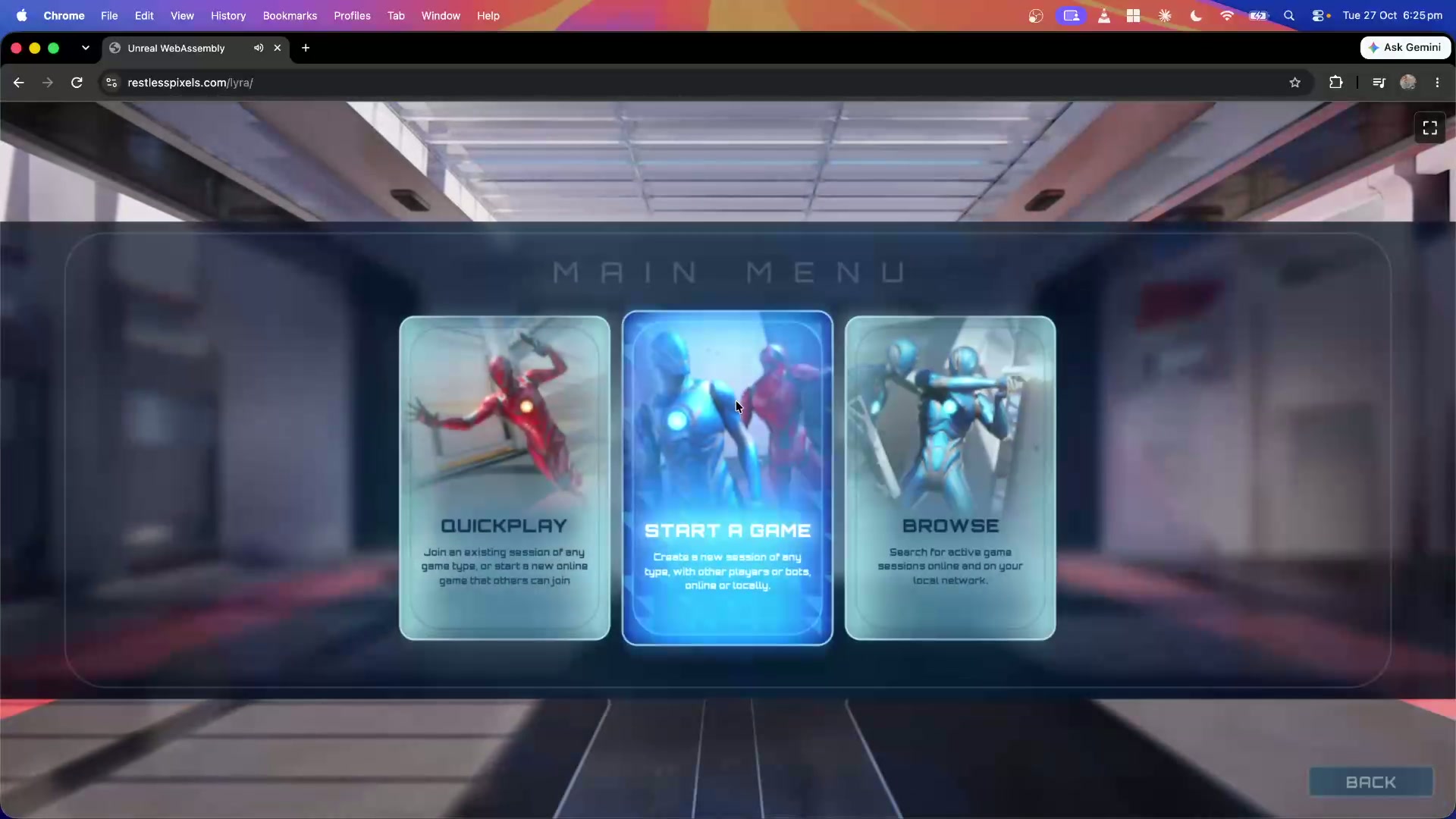
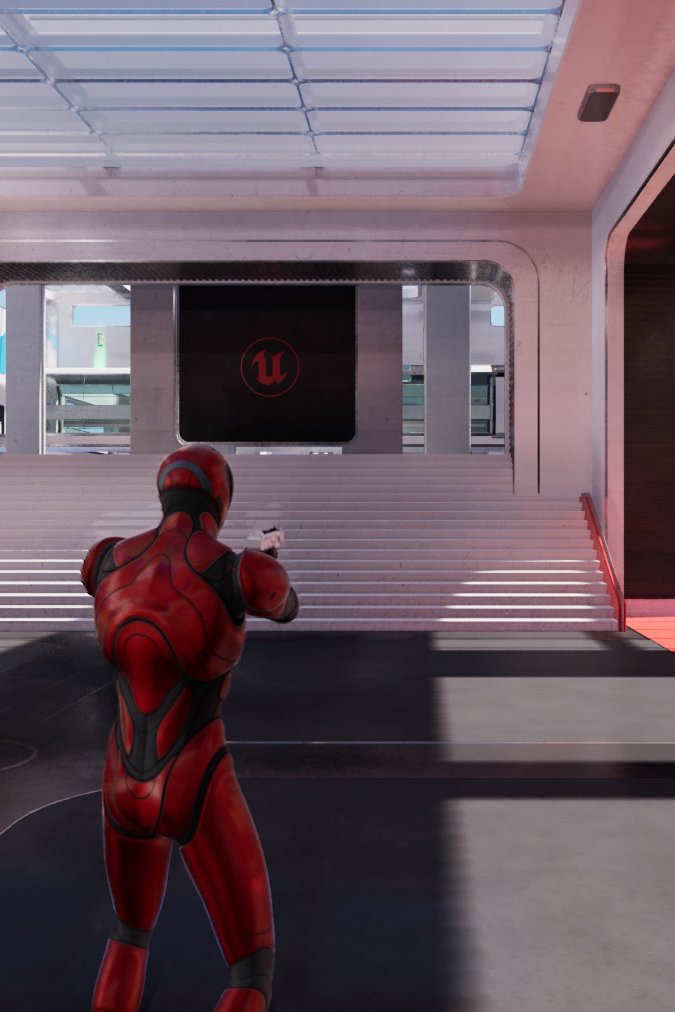
It isn’t a single tech demo. It’s a full engine platform, robust enough to run Epic’s Lyra Starter Game from the main menu through to live matches.
About The Project
Unreal Engine hasn’t had an official web target since HTML5 support was removed in version 4.24, with a community-maintained version continuing until 4.27. Today, the usual way to put Unreal content in a browser is Pixel Streaming, where the scene renders on a cloud GPU and is streamed to the user as video. It looks great, but every concurrent user needs their own cloud GPU, so cost, latency and scale become ongoing problems.
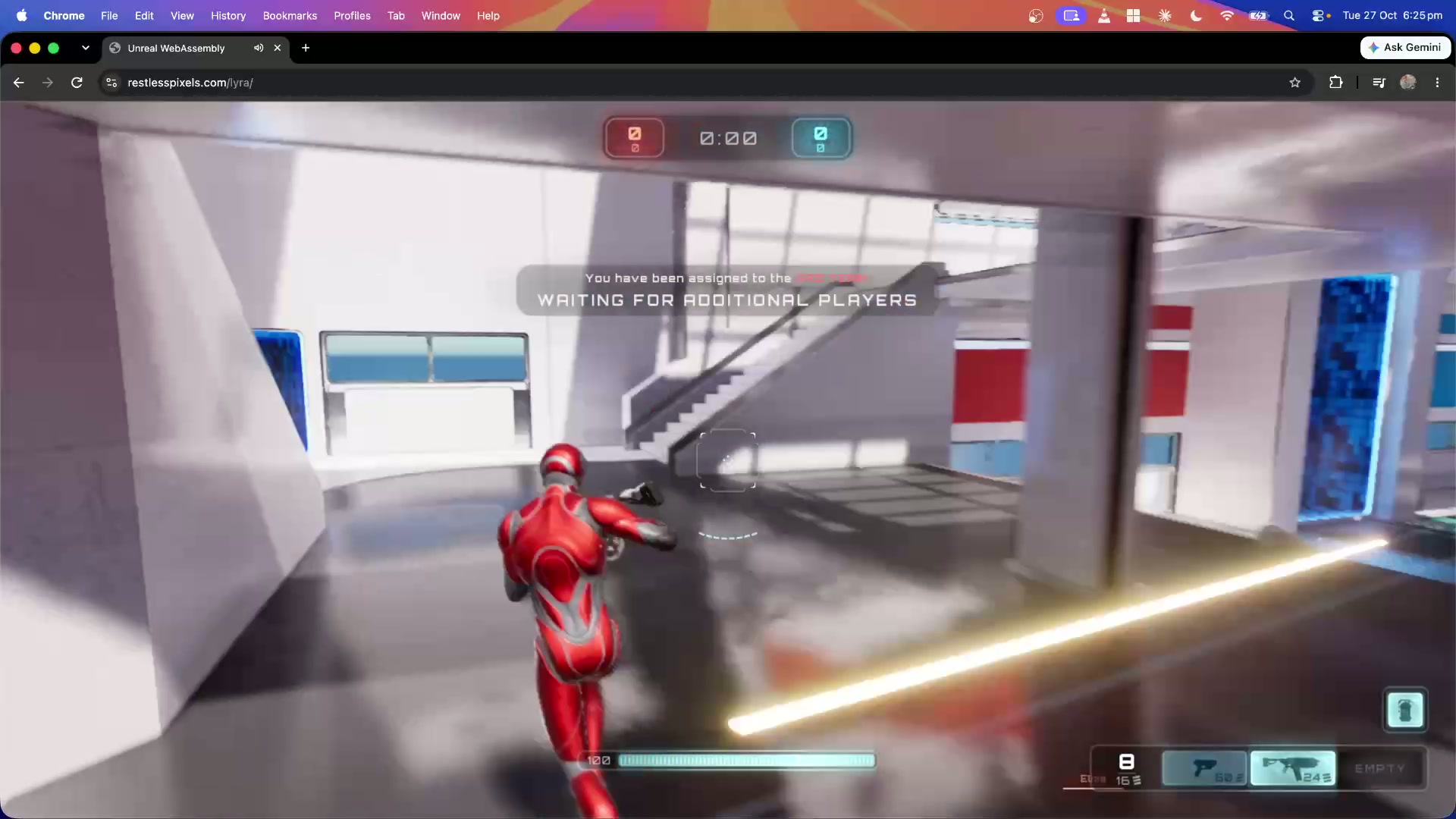
I wanted to take the opposite approach and run the engine itself on the user’s device. That meant adding a complete WebAssembly platform to Unreal Engine: the build toolchain and shader compiler, a WebGPU rendering backend, and a browser runtime for threading, input, audio and storage. Projects cook and package like any other Unreal platform, and the output is a set of static files.
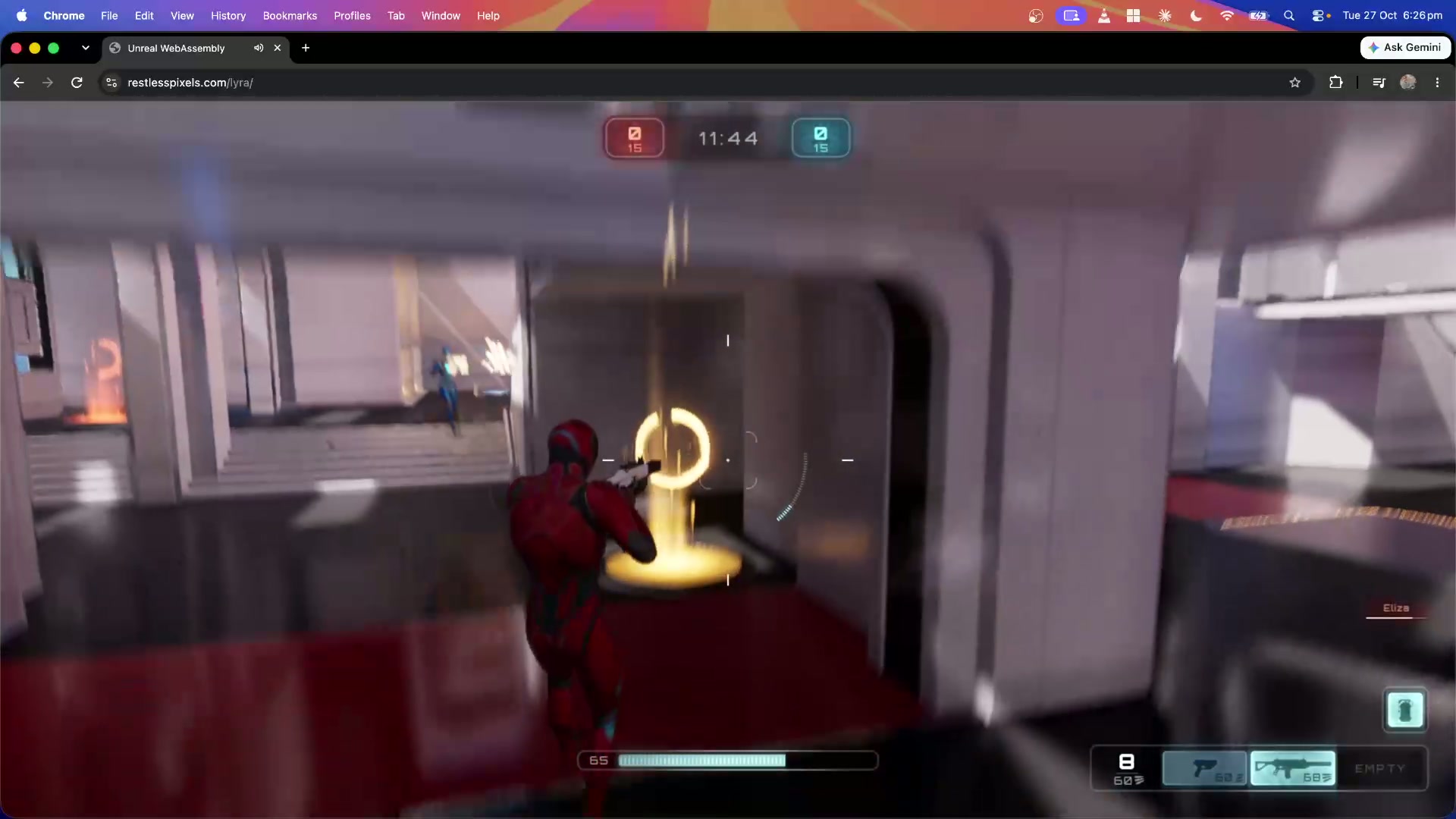
I use Epic’s Lyra Starter Game as the test case because it exercises so much of the engine. The full front end, matches against AI bots, Niagara effects and World Partition levels all run in Chrome, Firefox and Safari. Rendering scales with the device: lower-end hardware uses the forward renderer, while capable GPUs get the full deferred pipeline with Nanite and Lumen.
Key Features
Native WebAssembly Platform
A full Unreal Engine platform target. Projects build, cook and package to WebAssembly, with 64-bit or 32-bit builds chosen automatically to suit each browser.
Scalable Rendering on WebGPU
Unreal’s renderers running on WebGPU, from the forward renderer on lower-end devices up to the full SM5 deferred pipeline with Nanite, Lumen, virtual shadow maps, Temporal Super Resolution and Niagara GPU particles.
Multithreaded Runtime
The engine runs off the browser’s main thread. Game, render and RHI threads and a pool of task workers run as Web Workers, so the page stays responsive while the engine uses every core.
Cross-Browser Support
Runs in Chrome, Firefox and Safari. Each browser’s WebGPU limits, texture formats and presentation quirks are detected and handled at runtime.
Process & Technical Insights
Process & Technical Insights
The core challenge was that Unreal’s renderer is built for native graphics APIs, while WebGPU deliberately exposes a smaller, safer subset of the GPU. Shaders are cross-compiled to WGSL at cook time, and the rendering backend adapts whatever doesn’t map directly: compute shaders that need more storage buffers than a browser allows are repacked at load, missing texture formats are emulated at matching precision, and features such as texture atomics are bridged through compute passes. My aim was to keep Unreal’s rendering features working on the web, not switch them off.
Supporting three browsers means three WebGPU implementations, each with its own limits, validation rules and memory behaviour, and some differences only show up under real load. One browser stopped presenting frames when a worker thread owned the canvas, another kept millions of GPU objects alive until garbage collection ran, and another only grants mouse capture inside the original click event. I built an automated test harness that drives each browser, captures frames and measures frame rate and memory, which made these issues visible, repeatable and fixable.
Performance work focused on keeping the GPU busy and the main thread free. Rendering commands are batched into large submissions, bind groups and texture views are cached to cut per-frame allocations, and frames in flight are capped to keep input latency low. On an Apple M4, Lyra’s Convolution map runs in Chrome at close to the frame rate of a native Metal build, and I compare the browser output against that native build to track visual parity.
Got questions?
Feel free to reach out